
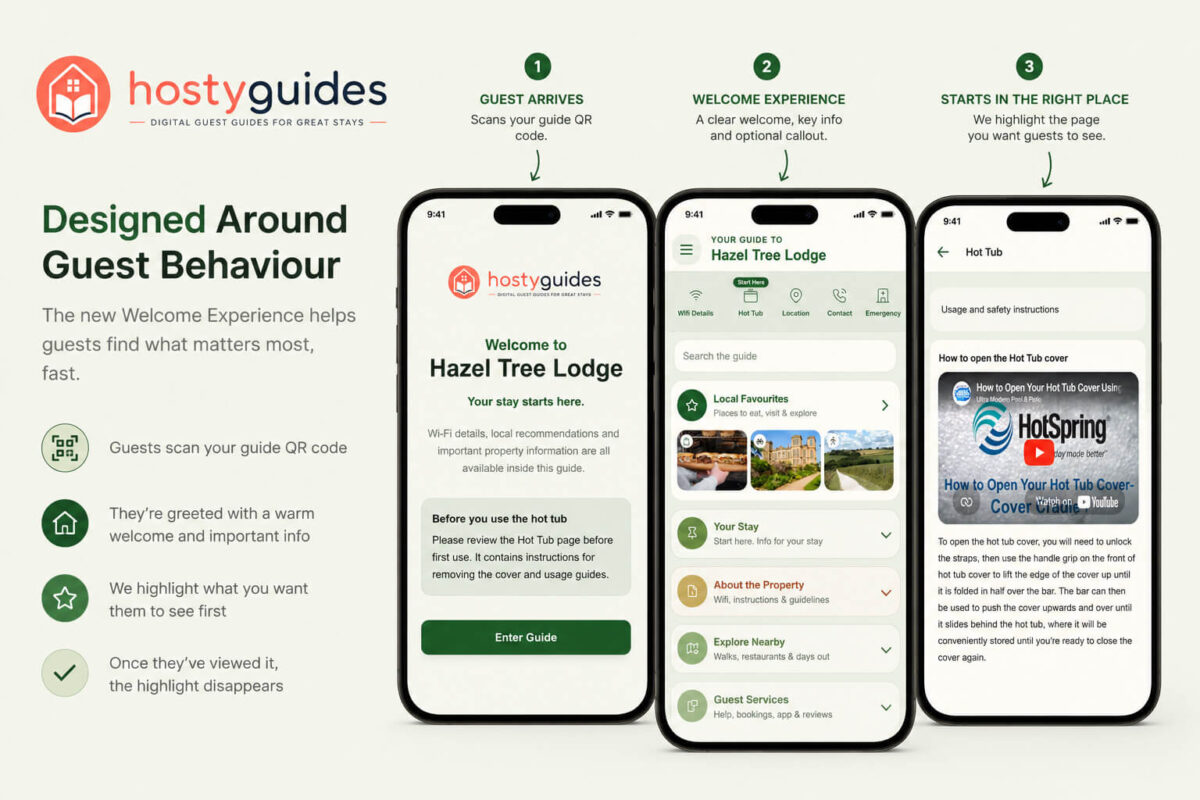
Designed Around Guest Behaviour
Most digital guest guides assume guests will naturally explore every page. In reality, guests often scan a QR code, find the information they need and leave.
That’s why we created the new Welcome Experience in HostyGuides.
Guests are greeted with a personalised welcome page, hosts can highlight important information such as Wi-Fi, hot tub instructions or arrival details, and once the information has been viewed, the highlight disappears automatically.
It’s a simple idea, but one designed around how guests actually behave.
Why Hosts Love It
✓ Draw attention to important information
✓ Reduce repeated guest questions
✓ Improve safety and compliance
✓ Highlight property-specific guidance
✓ Create a more professional arrival experience
The result is a guest guide that works smarter, helping guests find what matters most, faster.
The Problem
After observing real guest behaviour across holiday lets, cottages and lodges, we noticed a common pattern:
Guests would often scan a Wi-Fi QR code. connect to the internet, and miss important information contained in the guide.
Hot tub instructions weren’t being read. Arrival guidance was being skipped. Safety information wasn’t always being seen. And hosts found themselves answering the same questions repeatedly.
The challenge wasn’t getting guests into the guide. The challenge was helping guests find the information that mattered most for that property. For some hosts, that’s the Wi-Fi page. For others, it’s hot tub instructions. For others, it might be parking information, arrival guidance or emergency details. Every property is different.
A Guest Guidebook Designed Around Guest Behaviour
Instead of forcing guests through multiple screens or creating mandatory onboarding steps, we wanted a solution that felt natural.
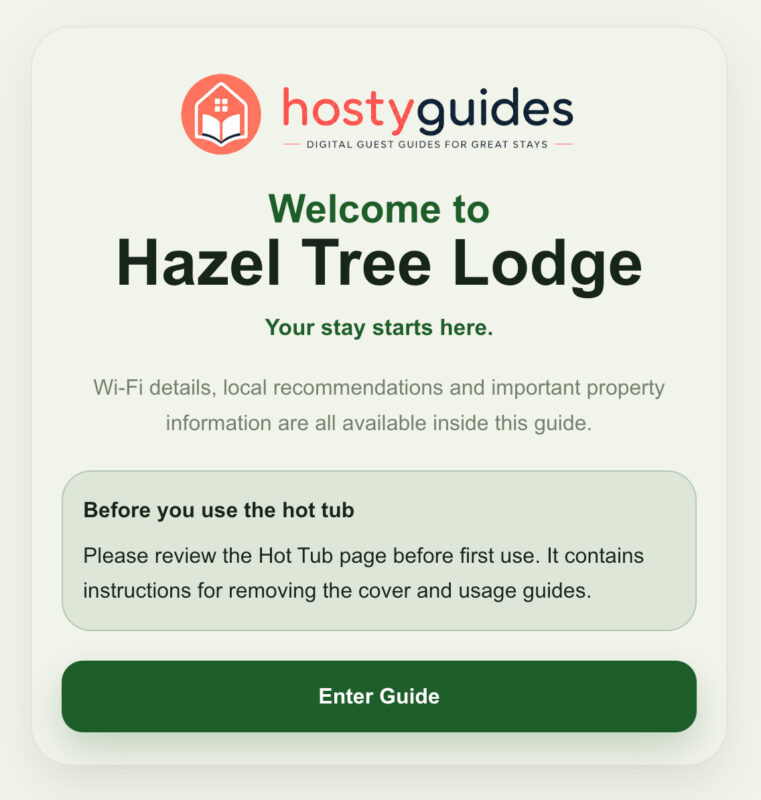
The result is the new Welcome Experience in HostyGuides. When enabled, guests see a simple welcome screen after scanning the guide QR code.
The screen introduces the property, provides a short message from the host and can display an optional callout highlighting important information.
For example:
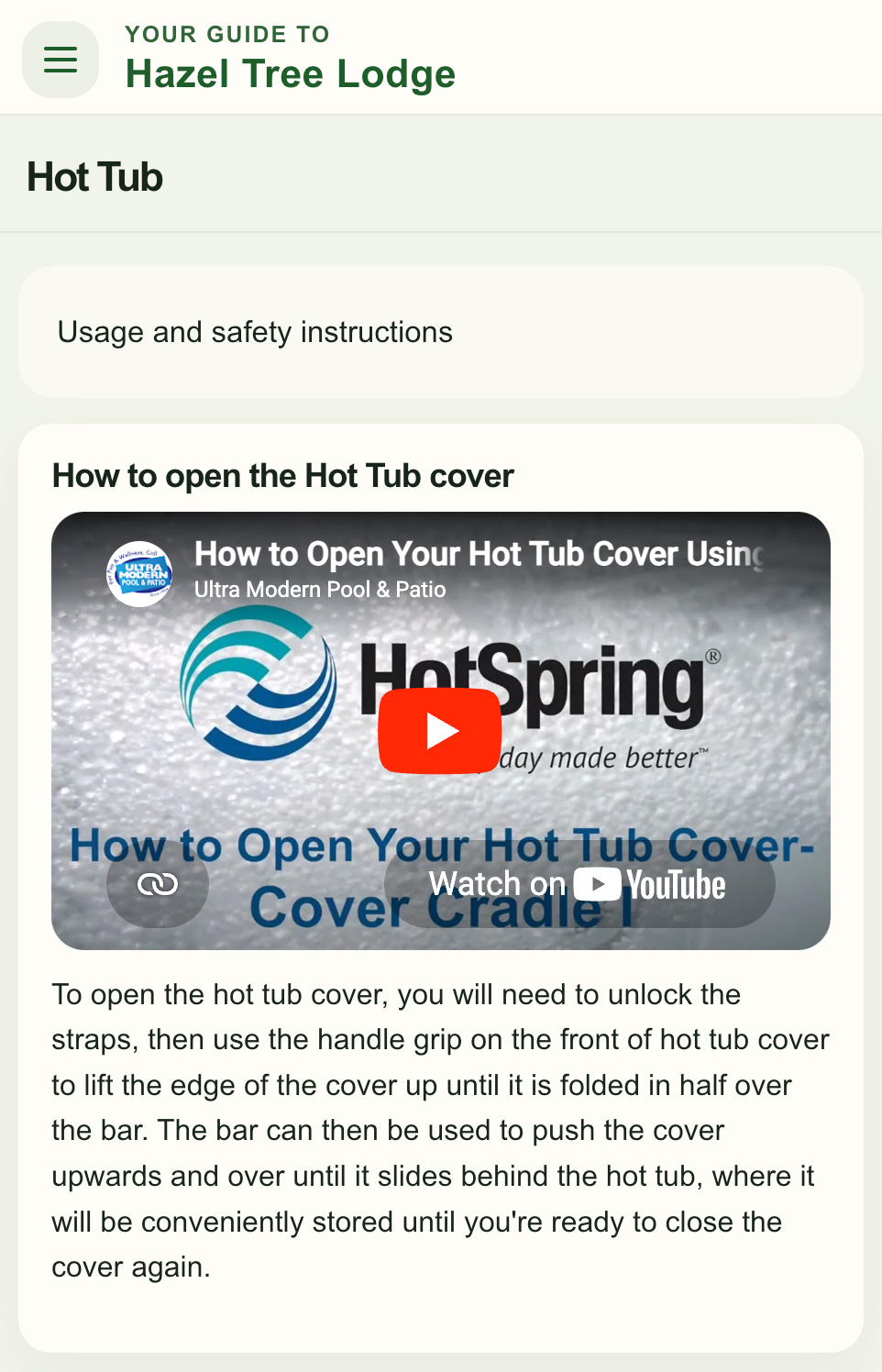
“Please review the Hot Tub page before first use. It contains cover removal and safety instructions.”
Guests can then enter the guide normally.
Smart Shortcut Highlighting
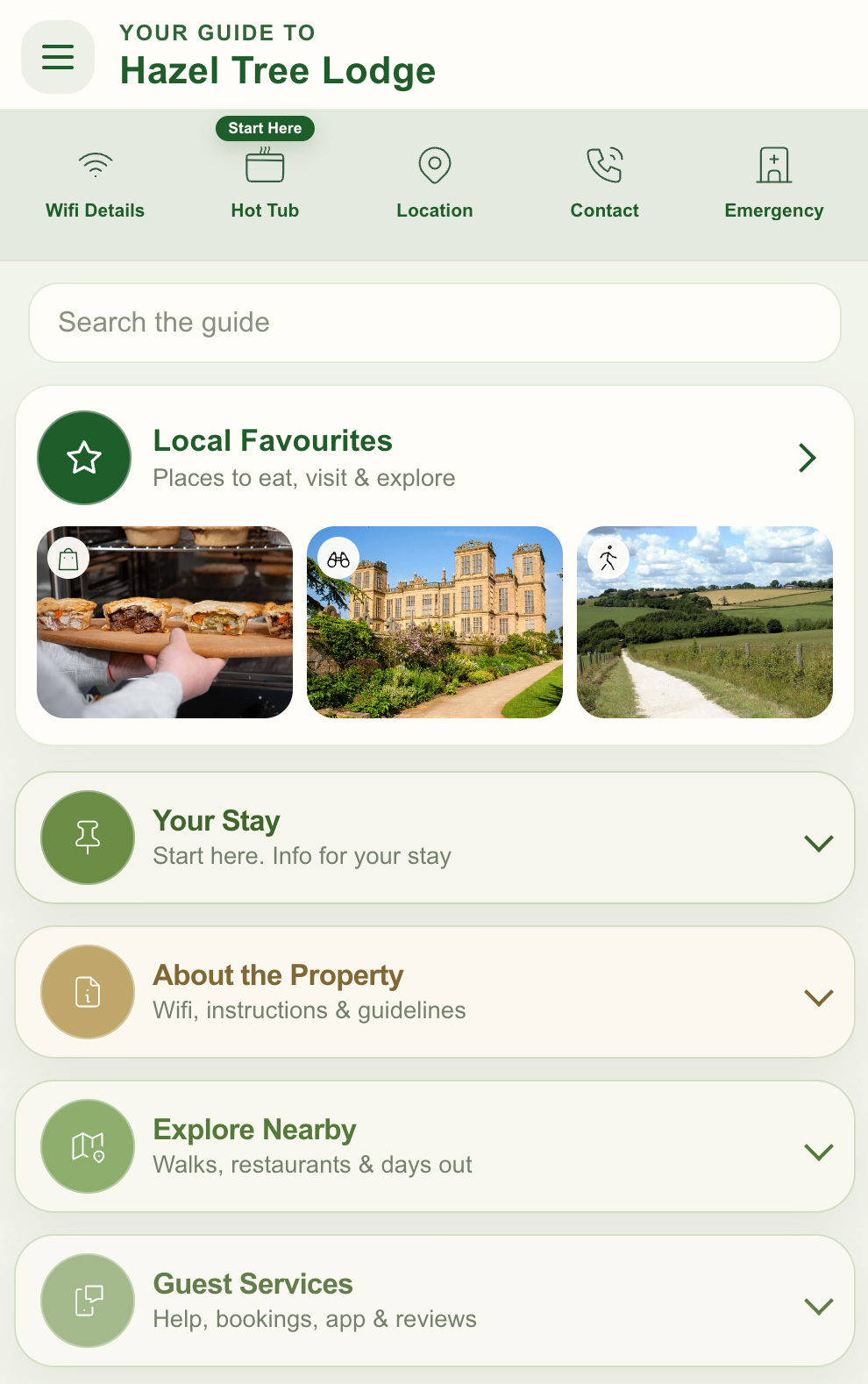
The second part of the feature is even more interesting. Hosts can choose to highlight one of the homepage quick links.
This might be:
-
Wi-Fi Details
-
Hot Tub
-
Arrival Information
-
Contact Information
-
Emergency Information
or any other important page.
The highlighted shortcut is clearly marked with a “Start Here” badge, gently directing guests towards the information the host wants them to see. Most importantly, once the guest visits that page, the highlight disappears.
The guide nudges guests in the right direction, then gets out of the way.
Why This Matters
We believe digital guest guides should be designed around how guests actually use them, not how we wish they did. Guests want information quickly. Hosts want important information to be seen.
The Welcome Guidebook Experience bridges that gap. It’s simple, property-specific, optional and designed to improve the guest experience without adding friction.
Sometimes the best features aren’t the most complex. They’re the ones that solve real problems.
Order your guide